
How can we help?
How to manage your customers from the Reseller Dashboard
This article explains how to manage your customers from the reseller dashboard in the My Data Portal. Follow these steps:
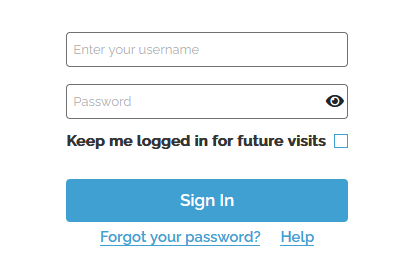
- Log in to the My Data Portal using your Data Deposit Box Backup credentials.
- When you log in you will be on the Reseller Dashboard.
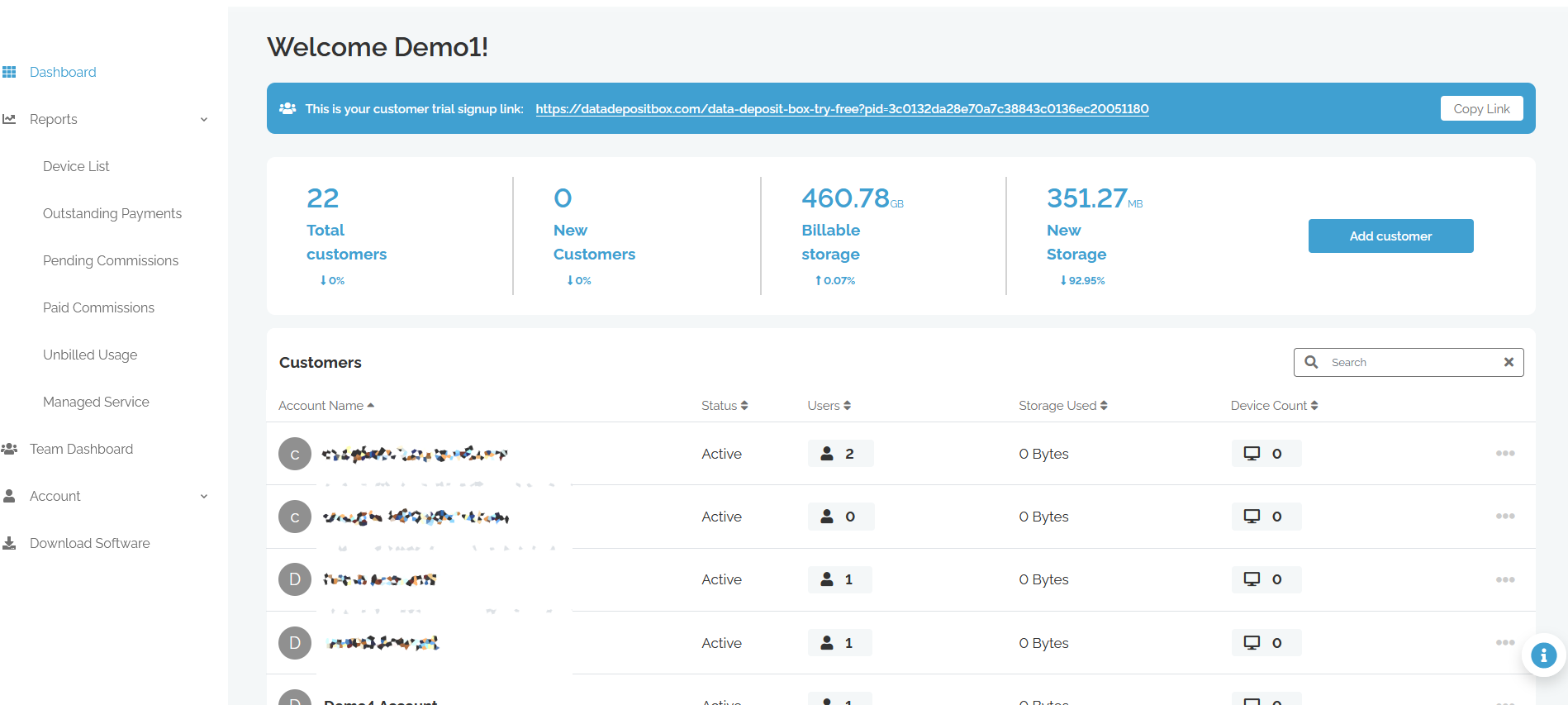
PID Signup Link – This link can be sent to new customers you wish to sign up under your reseller account.
Add Customer – Click this to manually add a customer. Follow prompts to setup the account depending on your setup.
Manage Customers
Click the  to modify the following settings:
Edit Account – This will allow you to Edit a customers account information
Account Settings
Edit Users – From here you can edit existing users and add additional users to an account.
User Settings
Edit Department – Here you can modify departments for a customer’s account
Department