How can we help?
How to change your account information
How to change your account information
This article explains how to change your account information in the My Data Portal. Follow these steps:
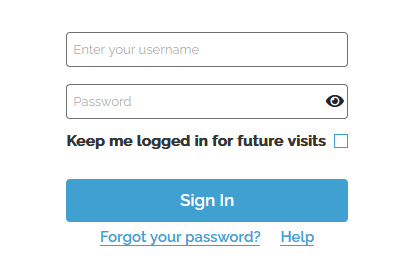
- Log in to the My Data Portal using your Data Deposit Box Backup credentials.
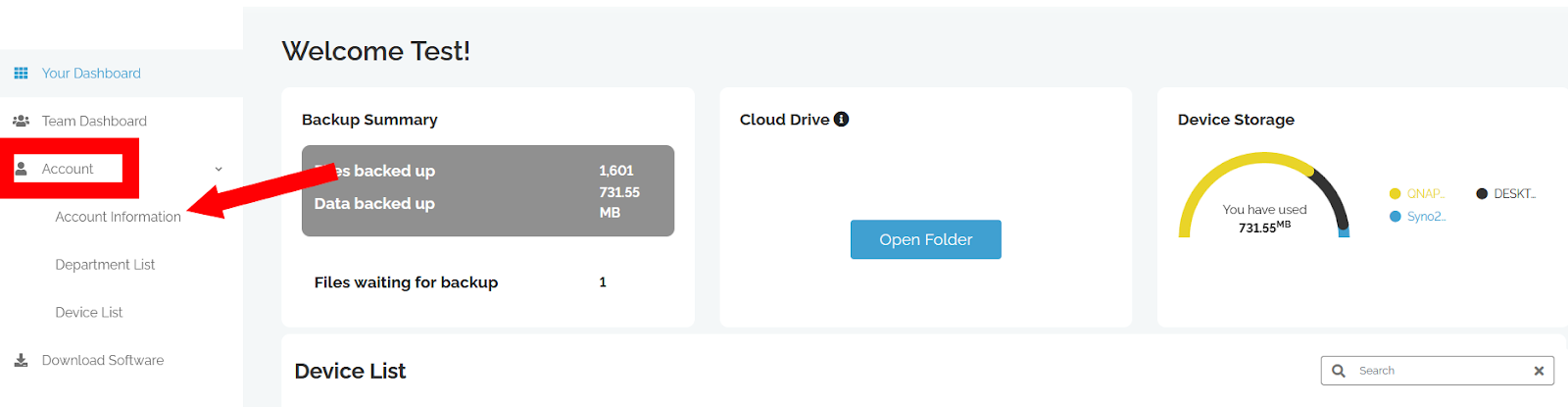
- Expand Account and Click Account Information
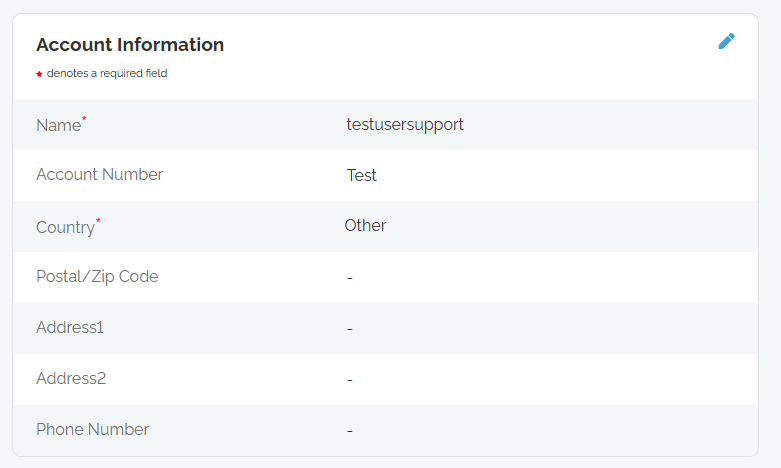
- Here you can click the edit icon
to modify your account information
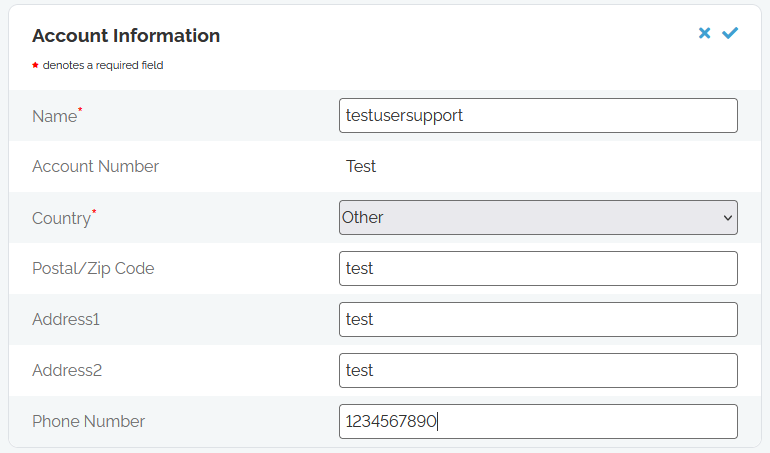
- Once done modifying you can click
to cancel changes or
to confirm the changes