
How can we help?
Reseller Report Outstanding Payment
This article explains what you will see in the outstanding payment report:
- Log in to the My Data Portal using your Data Deposit Box Backup credentials.
- Expand Reports and Select Outstanding Payments
This Report will show all customers under your account that have outstanding payments.
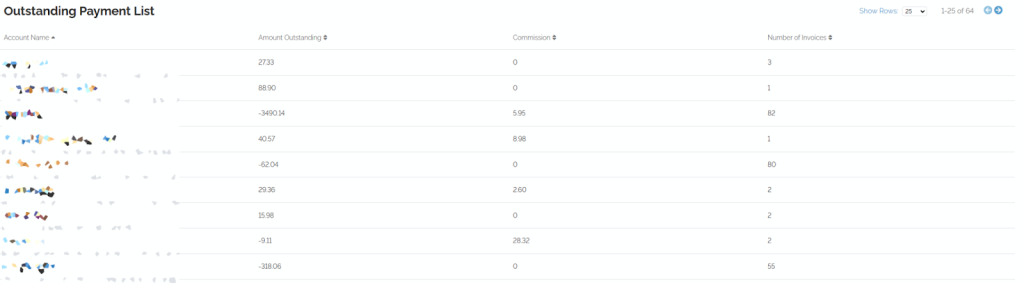
Clicking the Customer will show you all the customer’s invoices and which invoices are unpaid.